Deploy an Express app with PostgreSQL, free
Put an Express app online on its own HTTPS address, with a real PostgreSQL database beside it and an editor in the browser, on the free plan. Start from our starter with one click, or bring your own Express app: Uppcoder installs its packages, sets PORT and DATABASE_URL, and starts it.
What you get on the free plan
The free plan (Spark) runs one app with one database. No card needed, and no time limit: if we ever change or end it, you hear from us by email at least 60 days before.
- One app with one database: 2 GB of memory and 2 GB of disk
- An editor in the browser and a terminal in the same container as the app
- Its own HTTPS address from the first minute
- SSH from your own editor, if you prefer it
- Backed up every night to a separate server, the free plan included
Sign up and take the free plan
Sign up at portal.uppcoder.com, then go to Billing, Available Plans, Spark, Start free. The free plan asks you to confirm your email address first: press Send me the link, then click the link in that email.
One click: the starter's Deploy button
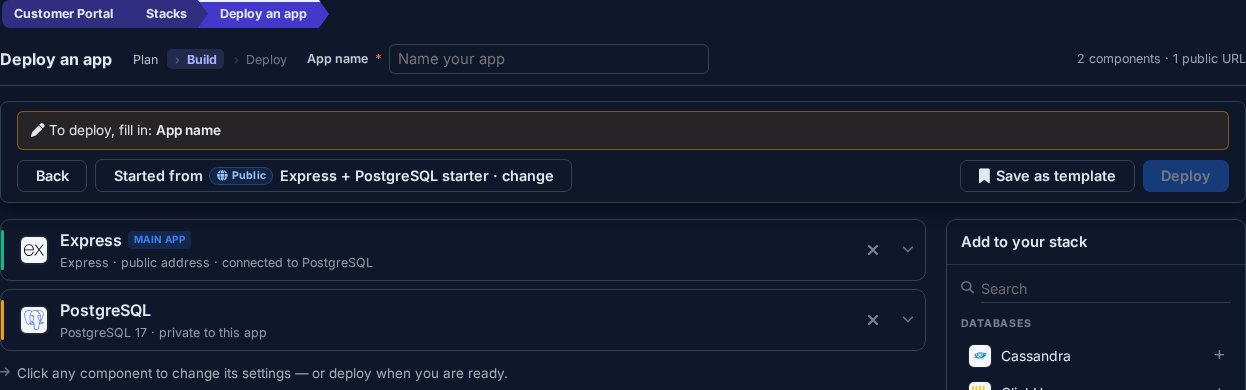
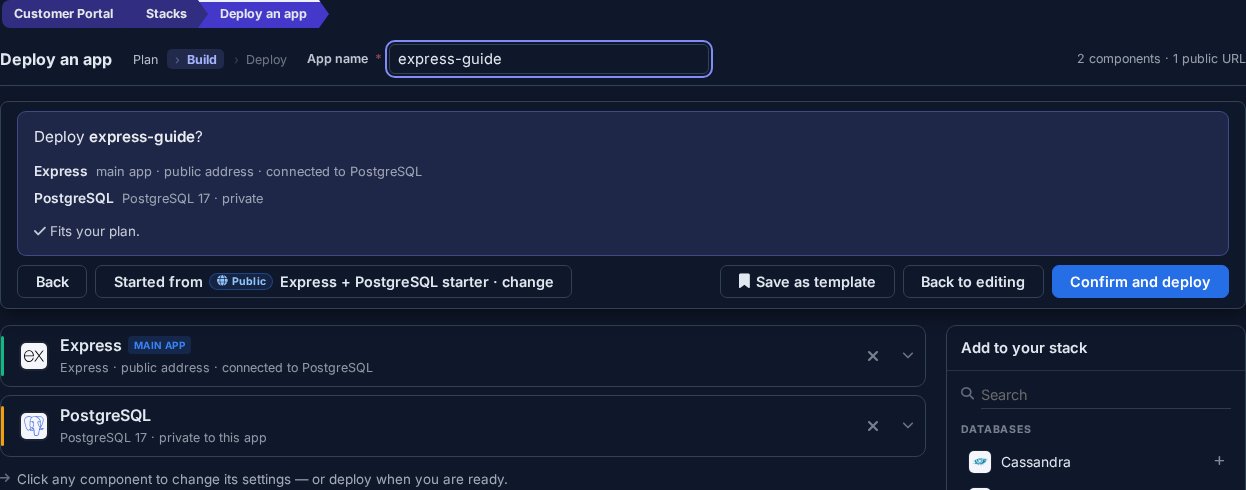
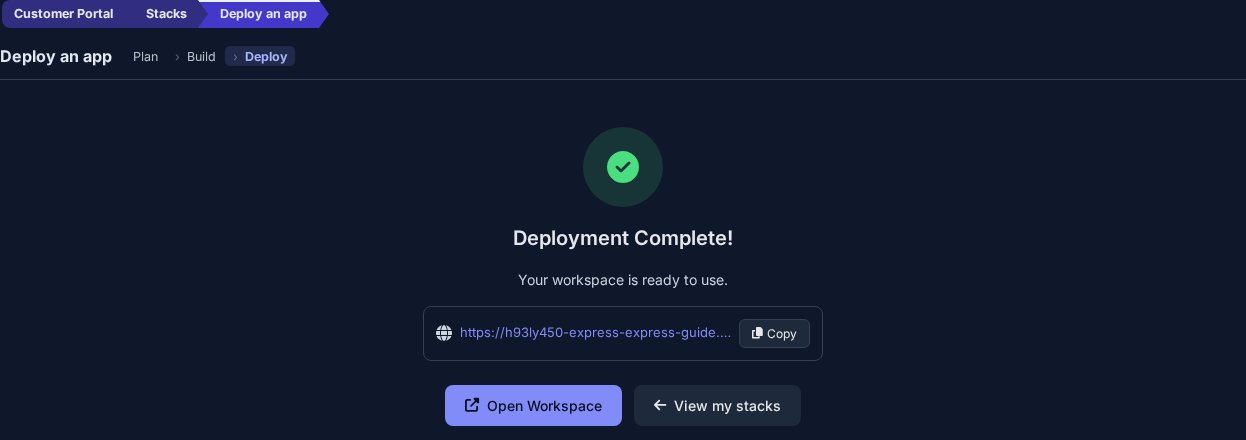
Open github.com/Uppcoder/express-postgresql-starter and press Deploy to Uppcoder. The deploy page opens with the starter already set up: Express as the main app, connected to its own PostgreSQL 17 database. Give the app a name, press Deploy, check the summary and press Confirm and deploy. Uppcoder clones the repository, runs npm install and starts the app.
- Uppcoder/express-postgresql-starter on GitHub: a small Express notes API on PostgreSQL, DATABASE_URL from the environment, a Deploy to Uppcoder button.
Try it
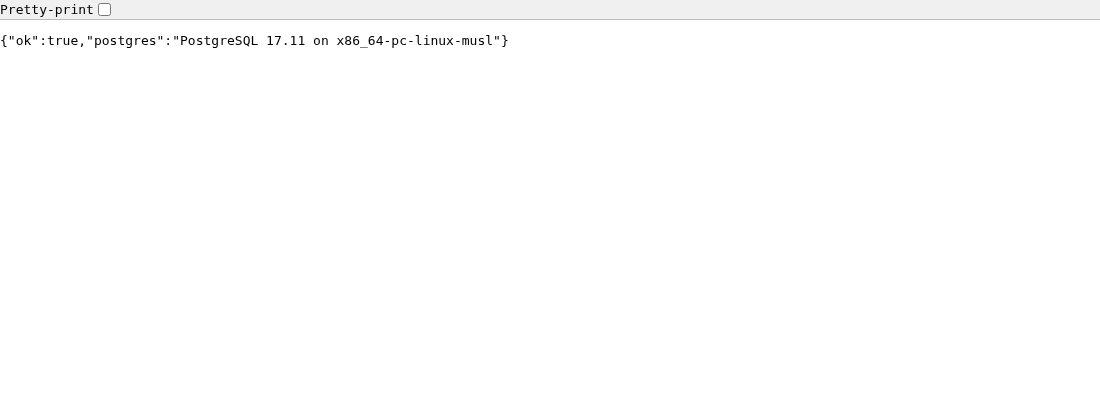
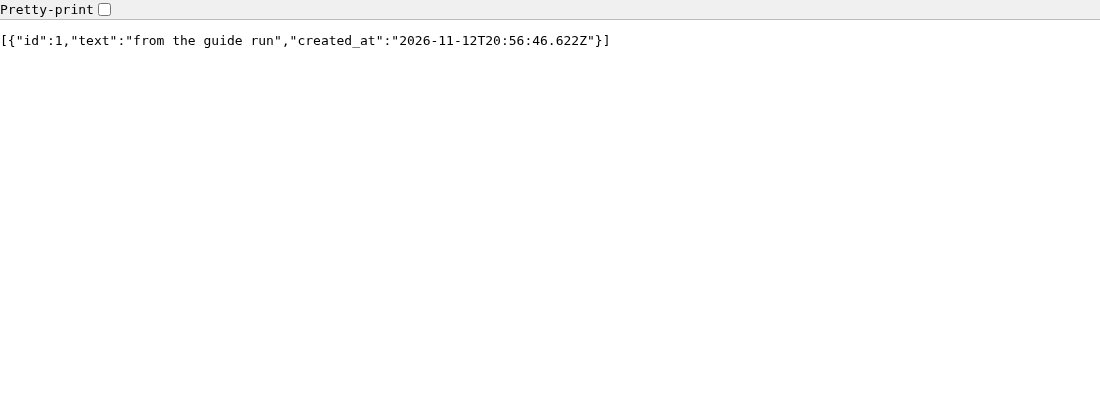
Open the app's address: it says whether the database is connected. /status runs a query and shows the PostgreSQL version, and /notes is a small notes API with its table created on startup. Add a note from the web terminal, which runs next to the app: curl -X POST -H "Content-Type: application/json" -d '{"text": "first note"}' http://127.0.0.1:8000/notes. The app starts private, behind your Uppcoder login, until you make it public.
The database is already wired in
The app gets the whole connection as DATABASE_URL, and the parts as POSTGRES_HOST, POSTGRES_PORT, POSTGRES_DB, POSTGRES_USER and POSTGRES_PASSWORD, so no password sits in your code. The starter reads DATABASE_URL with the pg package, which npm install brought in from package.json. The app runs on Node 22 as node --watch index.js, so every time you save a file in the editor, the app restarts with the change. To add a package, run npm install <package> in the web terminal. To work from your own machine instead, open Connect with SSH on the stack page and connect from your editor's remote mode (VS Code Remote - SSH, Cursor, JetBrains Gateway, Zed).
Bring your own Express app
Build a stack with Express and PostgreSQL (Stacks, Create, Blank stack), then paste your repository's https address on the Express card, with an access token if it is private. Uppcoder starts the first of these it finds: index.js, the file named in package.json "main", server.js, app.js, src/index.js, otherwise npm start. Listen on process.env.PORT, as almost every Express tutorial already does. One path is taken: /health is answered by the platform itself (its health check), so give your own status route another name.
Share it
When you want other people to use it, switch Private to Public at the top of the stack page. It changes at once, with no restart, and anyone with the link can open it. The editor, the terminal and the files always stay behind your login.
Questions about Express on Uppcoder
Is it really free, and for how long?
Yes. The free plan (Spark) runs one app with one database, needs no card and has no time limit. If we ever change or end it, you hear from us by email at least 60 days before.
How does my Express app reach PostgreSQL?
The app gets the whole connection as DATABASE_URL, and the parts as POSTGRES_HOST, POSTGRES_PORT, POSTGRES_DB, POSTGRES_USER and POSTGRES_PASSWORD. Read DATABASE_URL with the pg package, as the starter does.
Which file does Uppcoder start?
The first it finds: index.js, the file named in package.json "main", server.js, app.js, src/index.js, otherwise npm start. Listen on process.env.PORT.
My app answers /health with just "OK". Why?
The platform answers /health itself: it is the container's health check. Give your own status route another name, such as /status, as the starter does.
Can I work from my own editor instead of the browser?
Yes. Open Connect with SSH on the stack page, create a key with one click, then use the ssh command or add the lines to ~/.ssh/config for VS Code Remote - SSH, Cursor, JetBrains Gateway or Zed.
Express, its database and an editor, live from one click, on the free plan.