Deploy a Next.js app with PostgreSQL, free
Put a Next.js app online on its own HTTPS address, with a real PostgreSQL database beside it and VS Code in the browser, on the free plan. Ours was running in about two minutes, with the PostgreSQL driver already installed and the connection string waiting in the environment.
What you get on the free plan
The free plan (Spark) runs one app with one database. No card needed, and no time limit: if we ever change or end it, you hear from us by email at least 60 days before.
- One app with one database: 2 GB of memory and 2 GB of disk
- VS Code in the browser and a terminal in the same container as the app
- Its own HTTPS address from the first minute
- SSH from your own editor, if you prefer it
- Backed up every night to a separate server, the free plan included
Sign up and take the free plan
Sign up at portal.uppcoder.com, then go to Billing, Available Plans, Spark, Start free. The free plan asks you to confirm your email address first: press Send me the link, then click the link in that email.
Create the app: Next.js and PostgreSQL
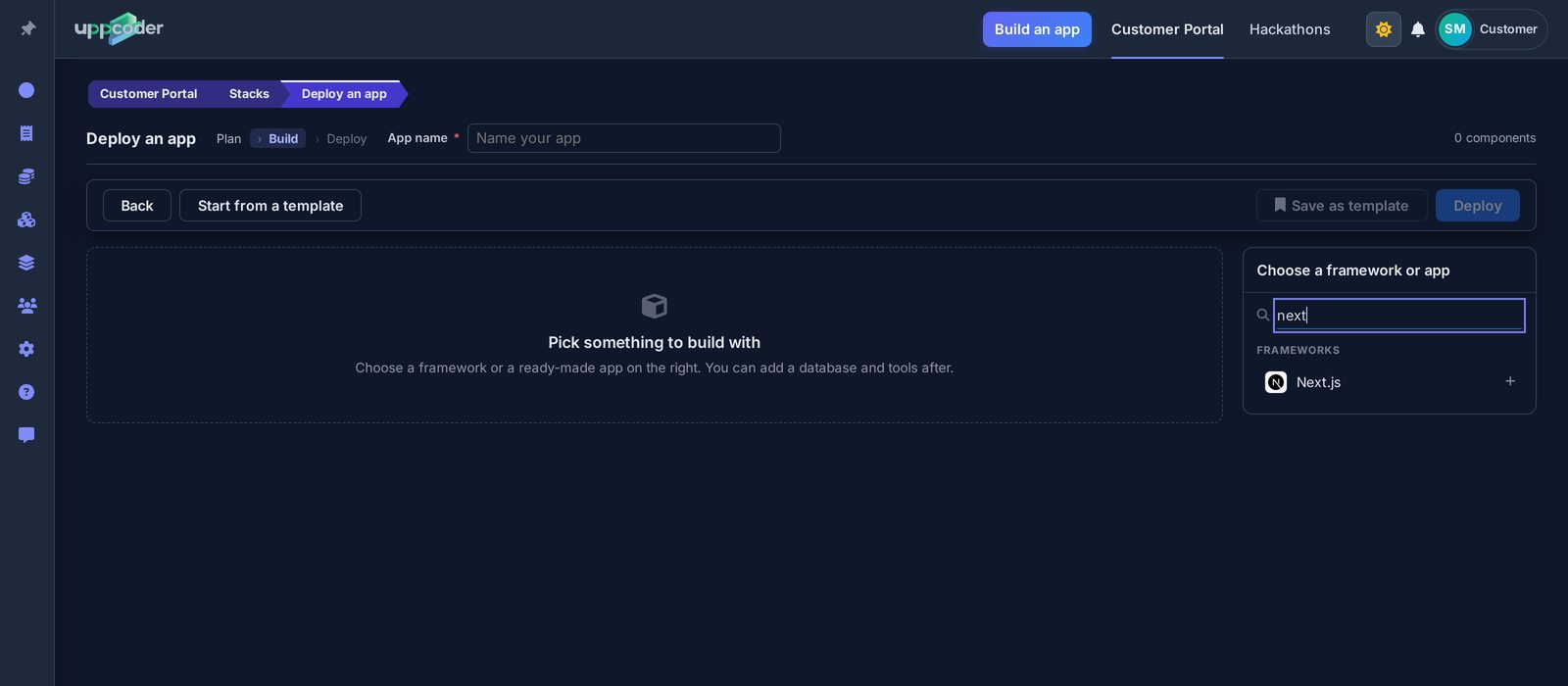
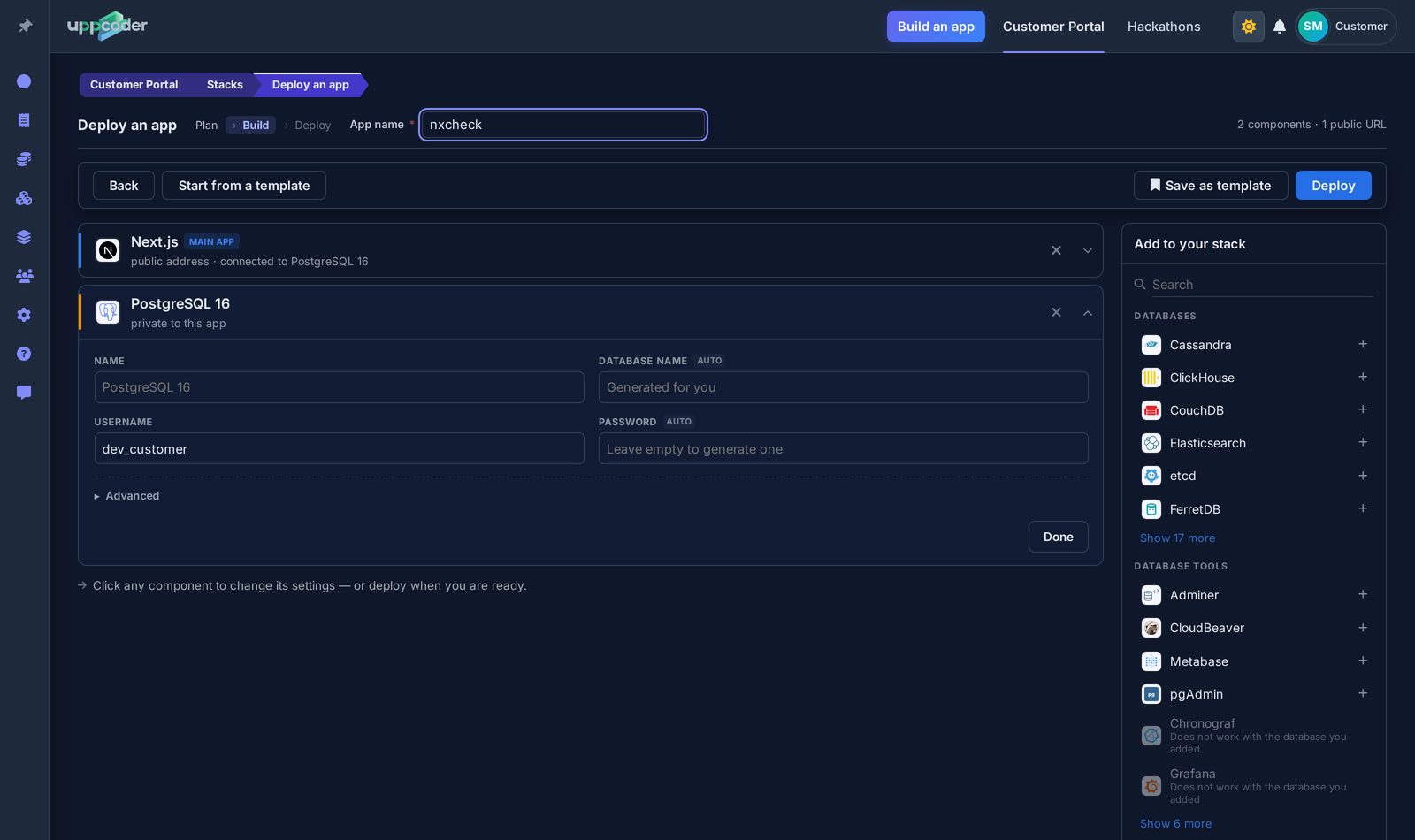
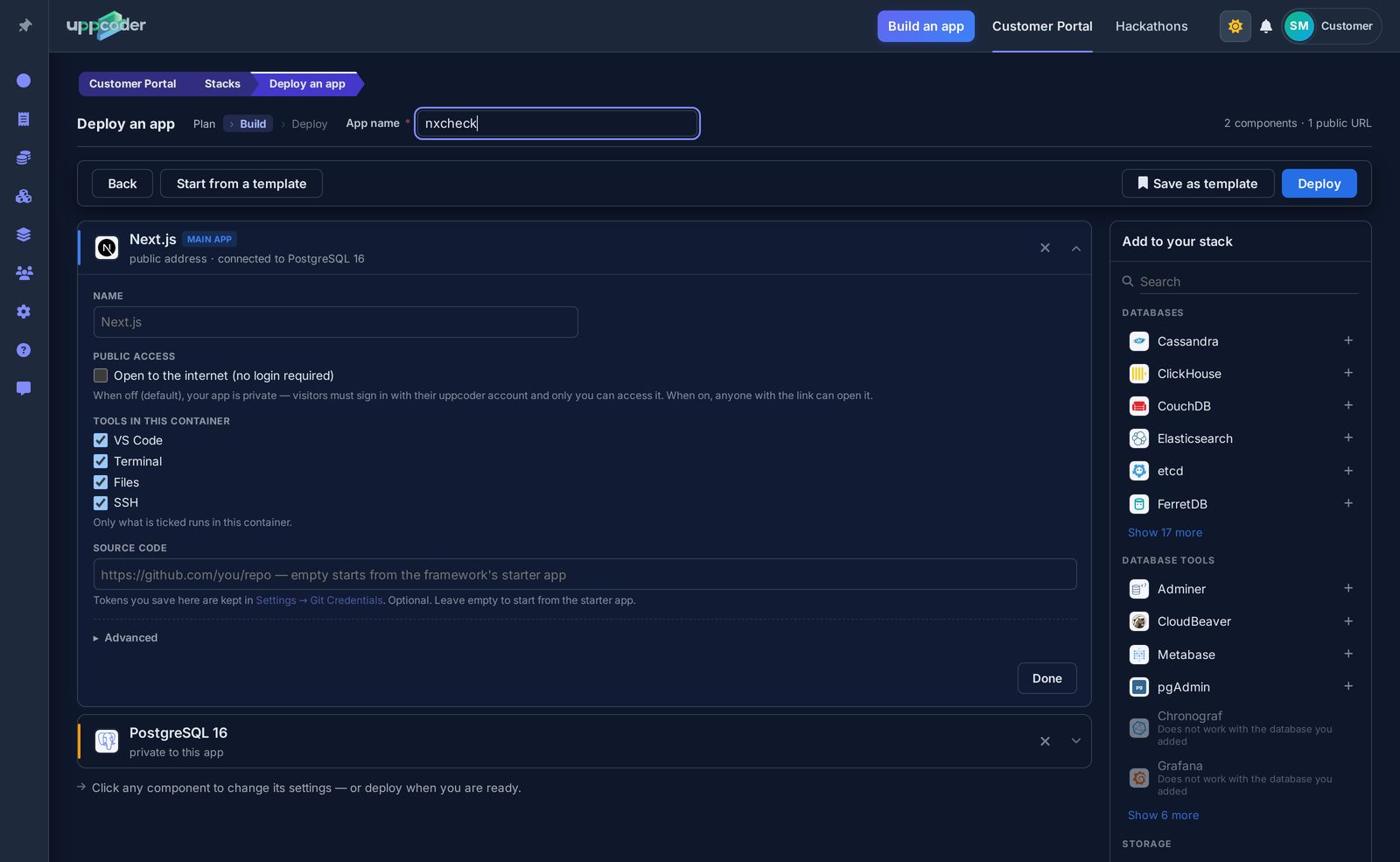
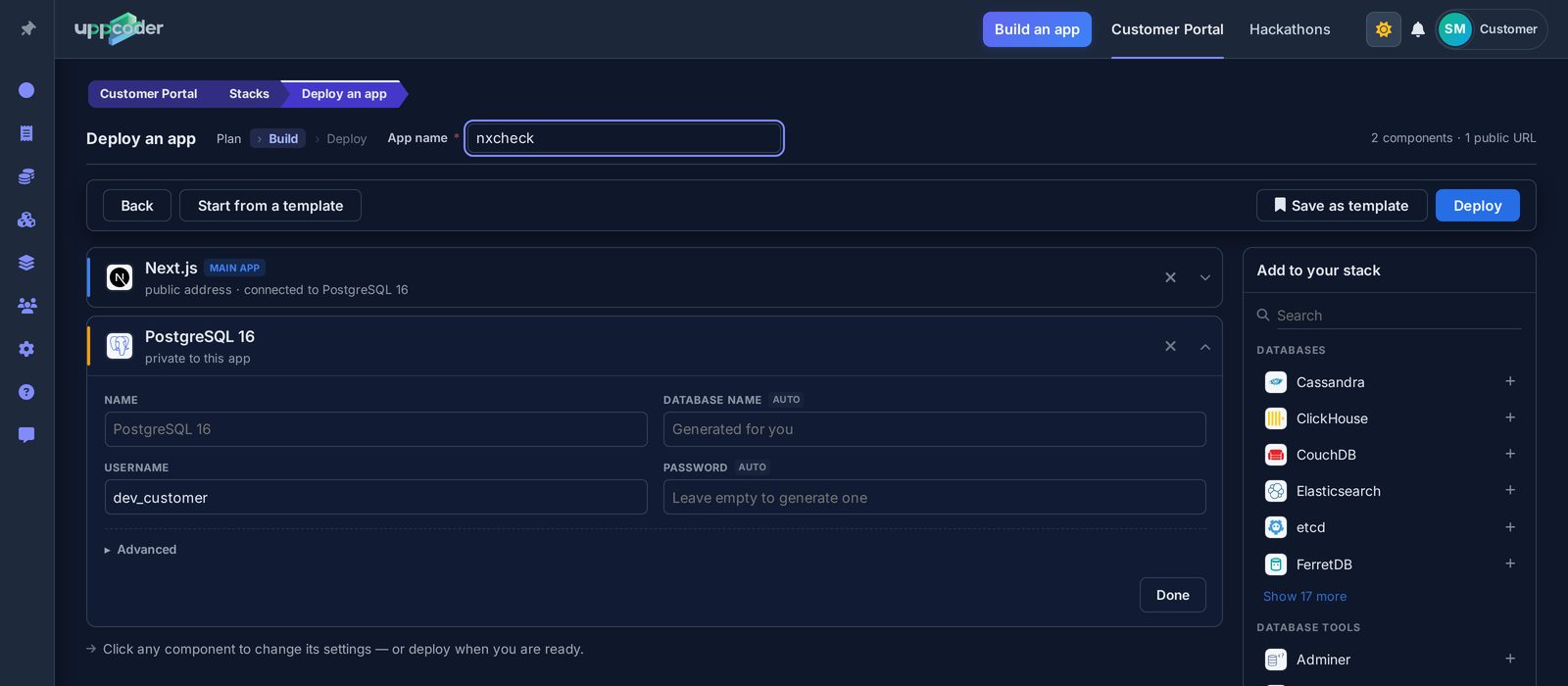
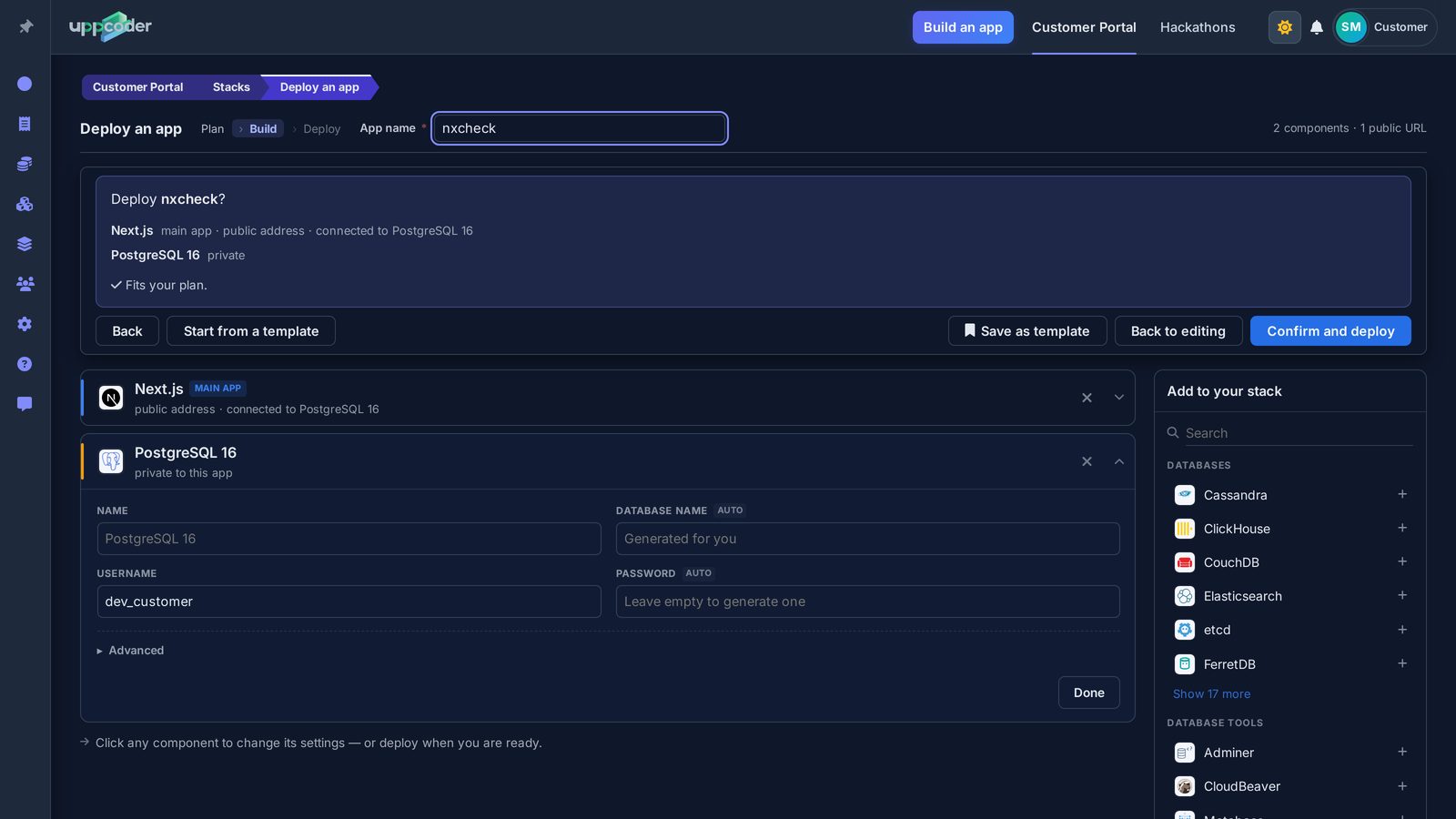
Stacks, Create, Blank stack. Type "next" in the search box and pick Next.js, then search for PostgreSQL and add it: it is connected to the app automatically. Give the app a name; PostgreSQL fills in its own database name and generates a password if you leave it empty. VS Code, Terminal, Files and SSH are ticked by default.
Deploy
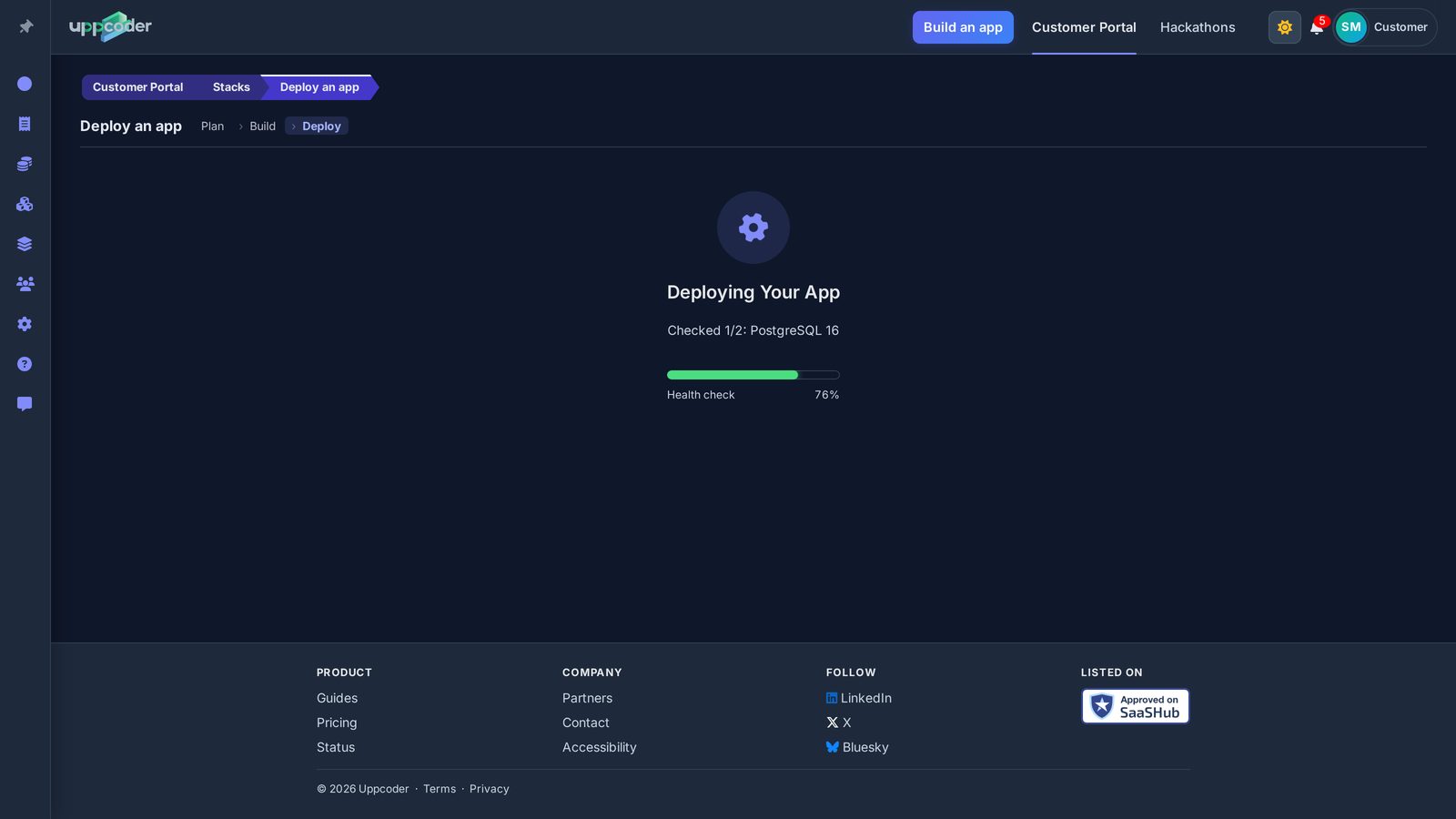
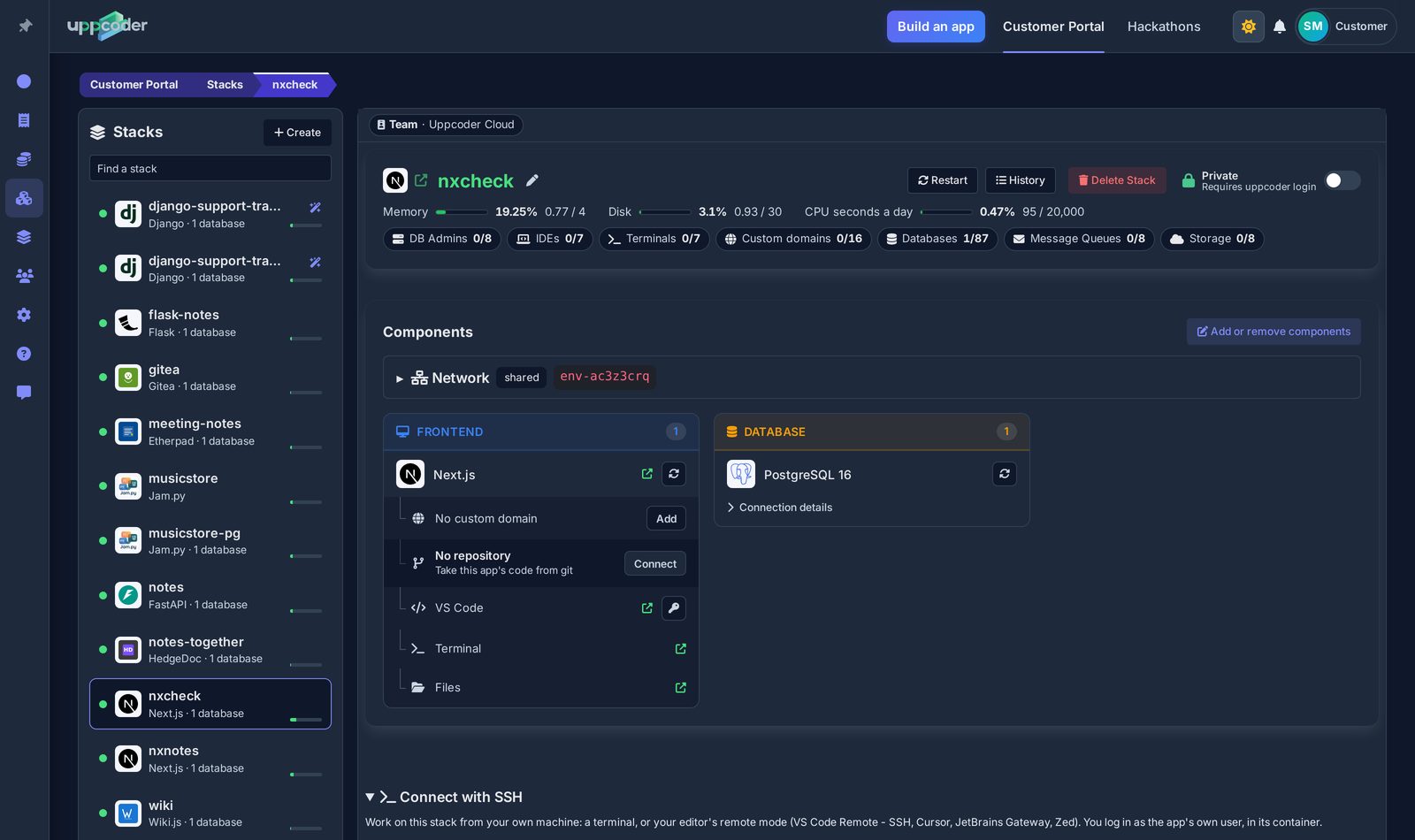
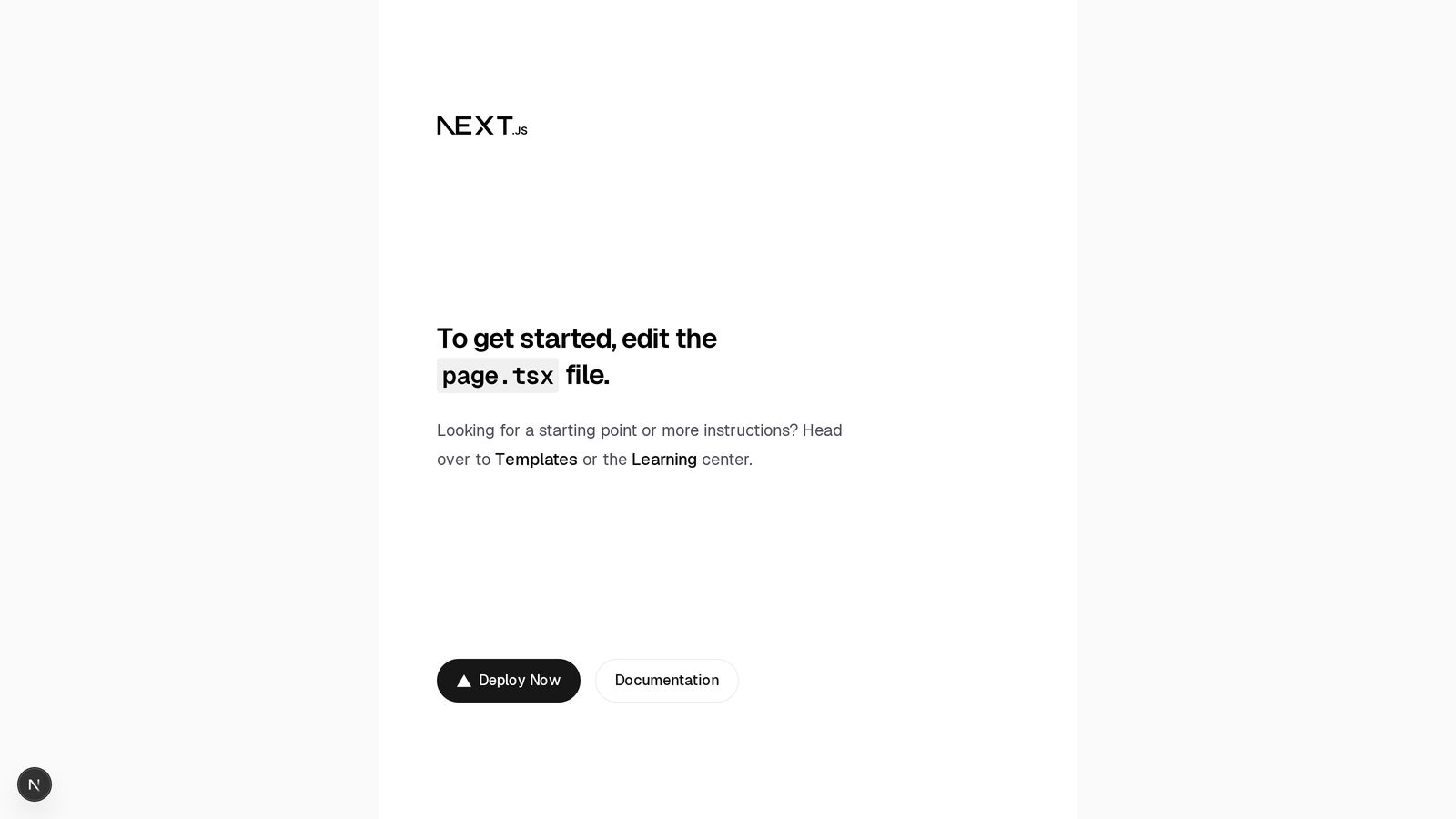
Press Deploy, check the summary, then Confirm and deploy. Ours was live in 126 seconds the first time and 130 the second: Next.js installs its packages on the first start. The stack page has everything in one place: the app's address, VS Code, the web terminal and the database. Open the address and you get the Next.js starter page.
The database is already wired in
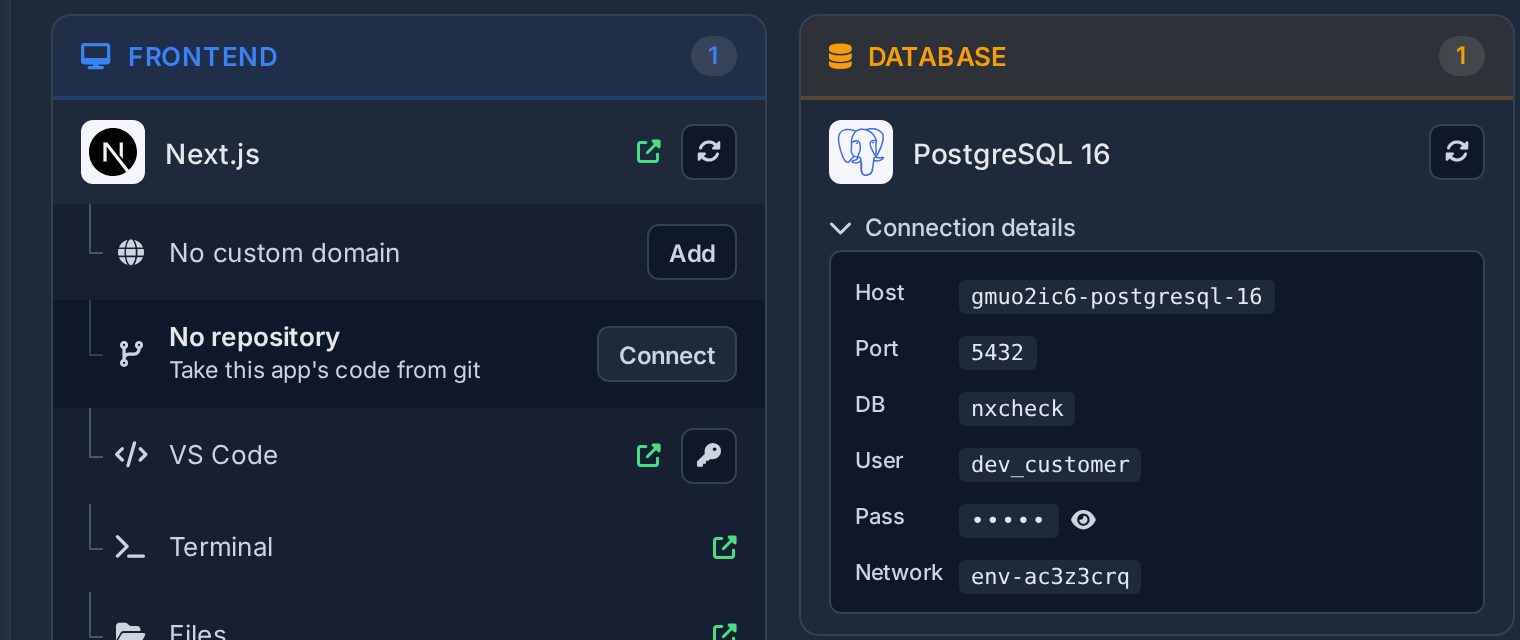
The app gets the whole connection as DATABASE_URL, and the parts as POSTGRES_HOST, POSTGRES_PORT, POSTGRES_DB, POSTGRES_USER and POSTGRES_PASSWORD, so no password sits in your code. Uppcoder installs the PostgreSQL driver for Node (pg) when the app starts. The app runs as next dev, so every time you save a file in VS Code, the page updates with the change.
A first API route on PostgreSQL
In VS Code, create the file app/api/notes/route.js and paste this in. It creates a notes table the first time it is used and answers GET (list the notes) and POST (add one) on /api/notes. We ran exactly this code on a fresh app: two POSTs with {"text": "first note"} and {"text": "second note"}, then a GET that returned both.
import pg from 'pg';

const pool = new pg.Pool({ connectionString: process.env.DATABASE_URL });
const ready = pool.query('CREATE TABLE IF NOT EXISTS notes (id serial PRIMARY KEY, text text NOT NULL)');

export async function GET() {
  await ready;
  const { rows } = await pool.query('SELECT id, text FROM notes ORDER BY id');
  return Response.json(rows);
}

export async function POST(request) {
  await ready;
  const { text } = await request.json();
  const { rows } = await pool.query('INSERT INTO notes (text) VALUES ($1) RETURNING id, text', [text]);
  return Response.json(rows[0], { status: 201 });
}
Does Next.js fit in the free plan?
Yes, for a starter app with room to spare. We measured ours over two hours of editing and reloading: the Next.js container (dev server and VS Code together) went from 588 to 612 MB, PostgreSQL stayed around 25 MB, and the stack page showed 0.79 GB of the 2 GB. A large app with many pages uses more; the stack page shows how much memory your app is using at any time.
Bring your own code
On the stack page, the Next.js card has No repository, Connect: paste the repository's https address (GitHub, GitLab, Bitbucket or any other git host), pick the branch, and add an access token if it is private. It is cloned into the app and the app restarts on it; Pull brings in new commits later. Keep pg in your package.json dependencies and read the connection from DATABASE_URL.
Share it
When you want other people to use it, switch Private to Public at the top of the stack page. It changes at once, with no restart, and anyone with the link can open the app. VS Code, the terminal and the files always stay behind your login. Prefer your own editor? The stack page also shows how to connect over SSH from VS Code Remote, Cursor, JetBrains Gateway or Zed.
Questions about Next.js on Uppcoder
Is it really free, and for how long?
Yes. The free plan (Spark) runs one app with one database, needs no card and has no time limit. If we ever change or end it, you hear from us by email at least 60 days before.
How does my Next.js app reach PostgreSQL?
The app gets the whole connection as DATABASE_URL, and the parts as POSTGRES_HOST, POSTGRES_PORT, POSTGRES_DB, POSTGRES_USER and POSTGRES_PASSWORD, so no password sits in your code. Uppcoder installs the pg driver when the app starts.
Does Next.js fit in the free plan's 2 GB?
A starter app does, with room to spare: we measured about 0.8 GB for Next.js, VS Code and PostgreSQL together after two hours of editing. A large app with many pages uses more.
Does the page update when I change the code?
Yes. The app runs as next dev, so saving a file in VS Code updates the page.
Is the app public?
Not until you say so. Switch Private to Public at the top of the stack page and anyone with the link can open it; VS Code, the terminal and the files always stay behind your login.
Next.js, its database and an editor, live in about two minutes, on the free plan.